ChadFlow turns a conversation into the words that come next.
A voice-AI workspace for interviews, meetings, notes, and dictation—combining a private desktop copilot with an iPhone app built for capture everywhere else.

ChadFlow at a glance
Core capabilities
- Real-time, speaker-aware transcription for interviews and conversations.
- Context-aware AI answer drafts grounded in a resume, role, company, and personal examples.
- A desktop overlay designed to stay outside ordinary screen shares and meeting recordings.
- Live coding and on-screen assignment help, plus post-interview reflection and coaching.
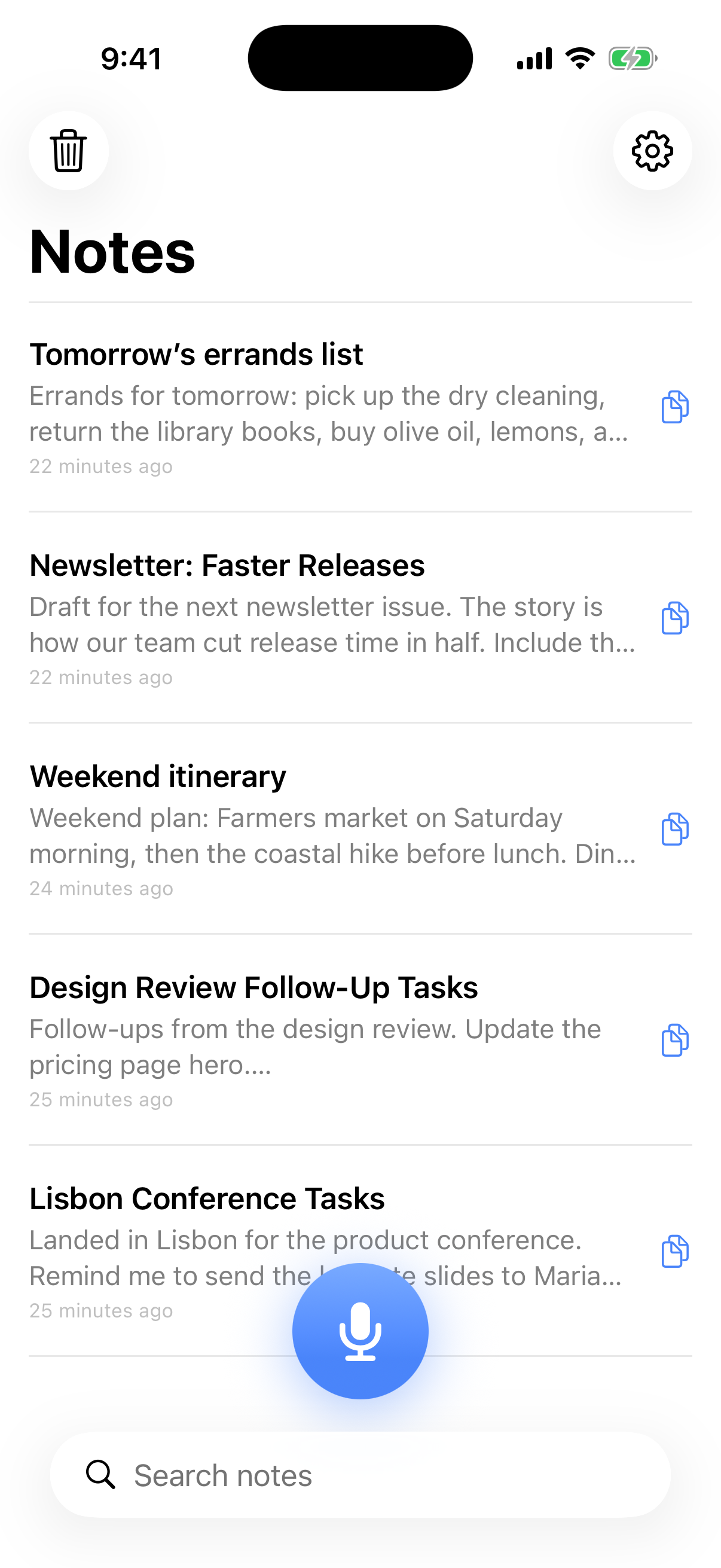
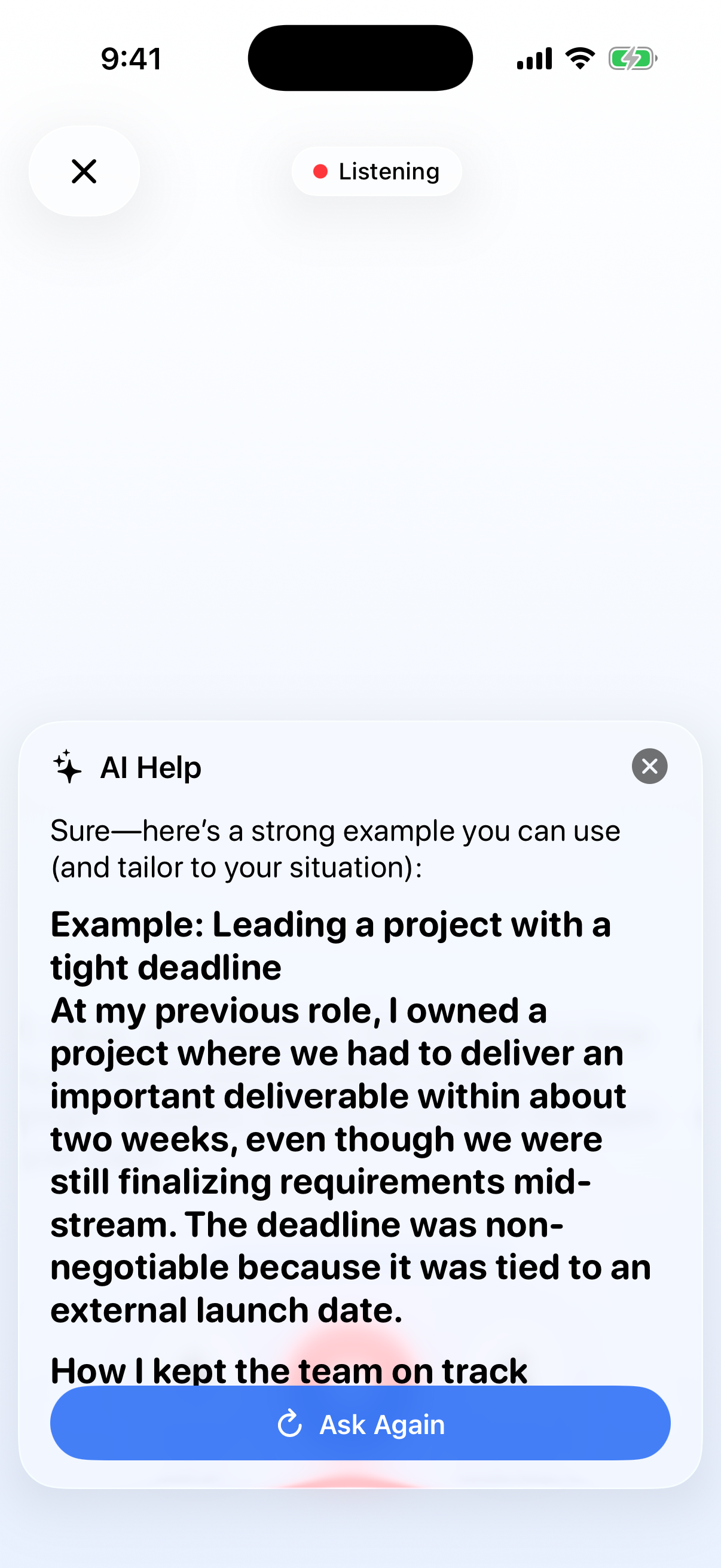
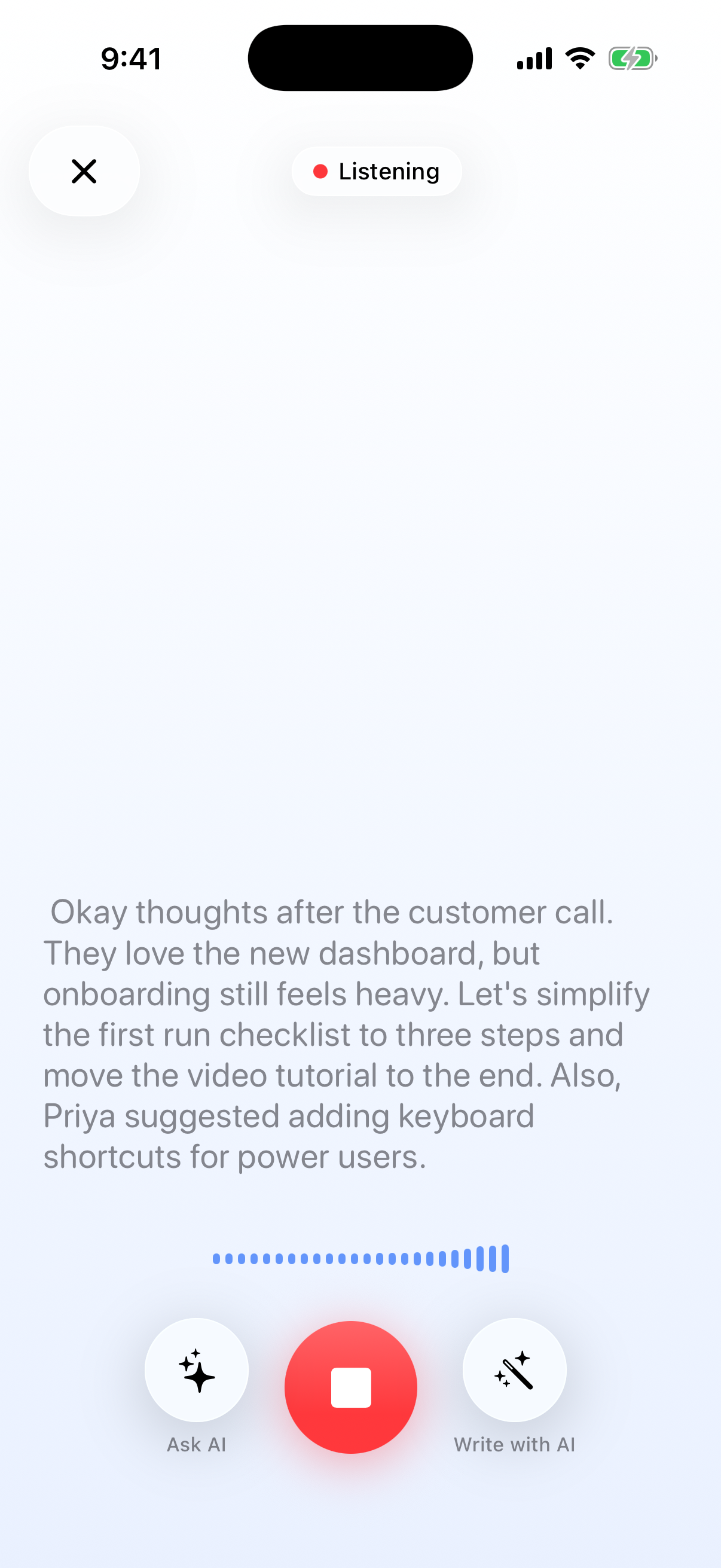
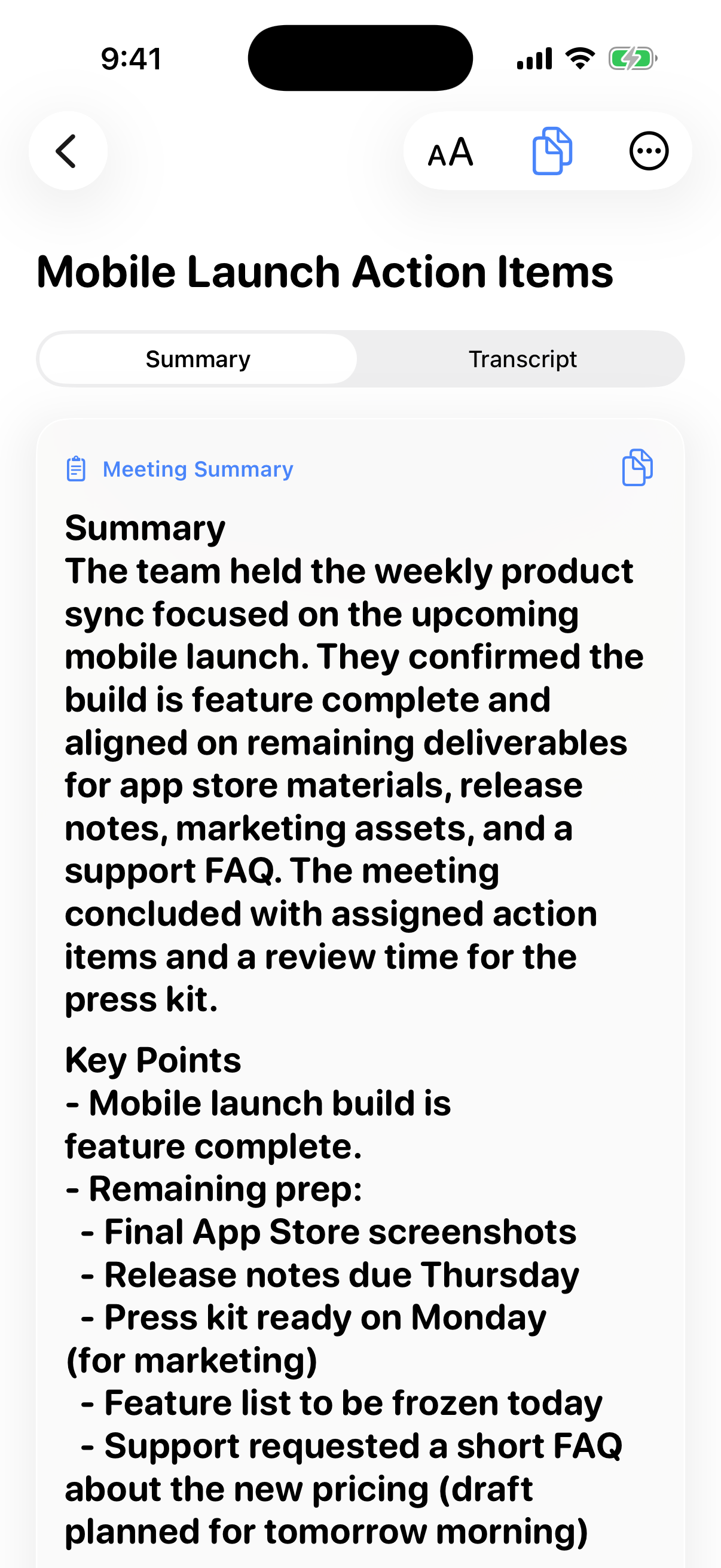
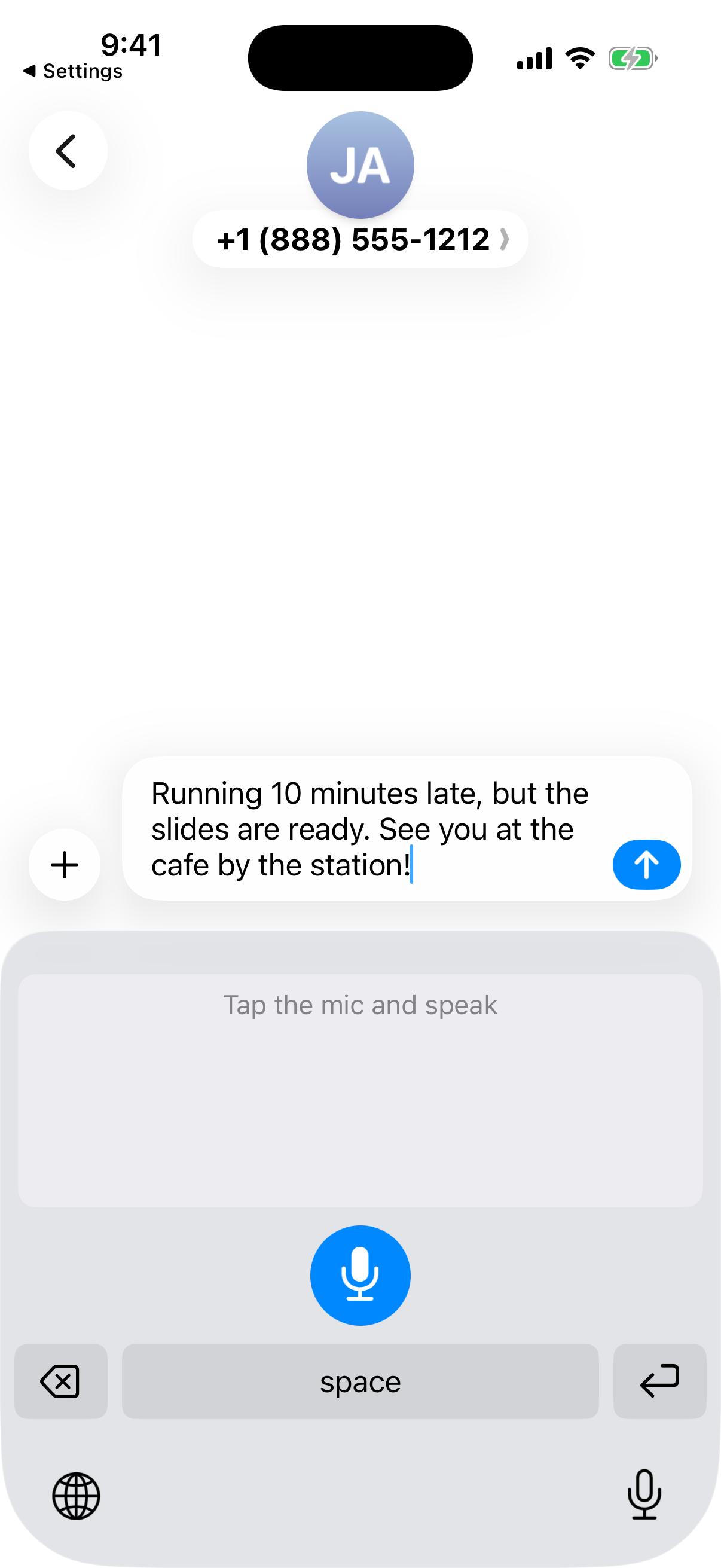
- iPhone voice notes, long-meeting transcription with speaker labels and summaries, live Ask AI, and a system-wide voice keyboard.
ChadFlow tells users to follow interview rules and applicable recording-consent laws. It does not claim to defeat device-level monitoring or dedicated proctoring software.
Three descriptions
ChadFlow is a voice-AI workspace that helps people capture, understand, and respond to live conversations across interviews, meetings, notes, and dictation.
ChadFlow combines a private desktop interview copilot with an iPhone voice workspace. On Mac and Windows, it transcribes conversations, drafts context-aware responses, helps with live coding tasks, and turns finished interviews into coaching. On iPhone, it captures voice notes, transcribes long meetings with speaker labels and summaries, answers questions against the conversation, and provides a voice keyboard for dictation in other apps.
Most voice tools stop at a transcript, and most AI copilots start with a blank prompt. ChadFlow is designed around the moment a person is already speaking or listening. Before an interview, users can load the role, company, resume, and stories they want to tell. During the call, the desktop app listens and drafts concise answers while keeping its overlay outside ordinary screen shares. Afterward, it turns the transcript into a debrief and tighter rewrites. The iPhone app brings the same voice-first idea to everyday work: quick notes, long meetings, live questions, and dictation in any app. The goal is one coherent workflow from conversation to useful text—not another archive of recordings.
These product screenshots show the previous TalkFlow branding. The app is becoming ChadFlow; the workflows shown are unchanged.
Product imageryRaw iPhone screenshots
Open an image for the original 1206 × 2622 PNG. The download contains these raw screenshots plus five App Store-ready compositions, a 1024 × 1024 icon, and the 1200 × 630 social card.
Need a demo, comment, or different format?
Contact Dmitry Bespalov at support@chadflow.app
For time-sensitive requests, include your publication, deadline, and the angle you are covering. Product access, additional screenshots, and founder commentary are available on request.